
Help
How to add a playlist
Two minutes, three steps. Add an M3U URL or Xtream Codes credentials and your channels appear on your TV instantly.
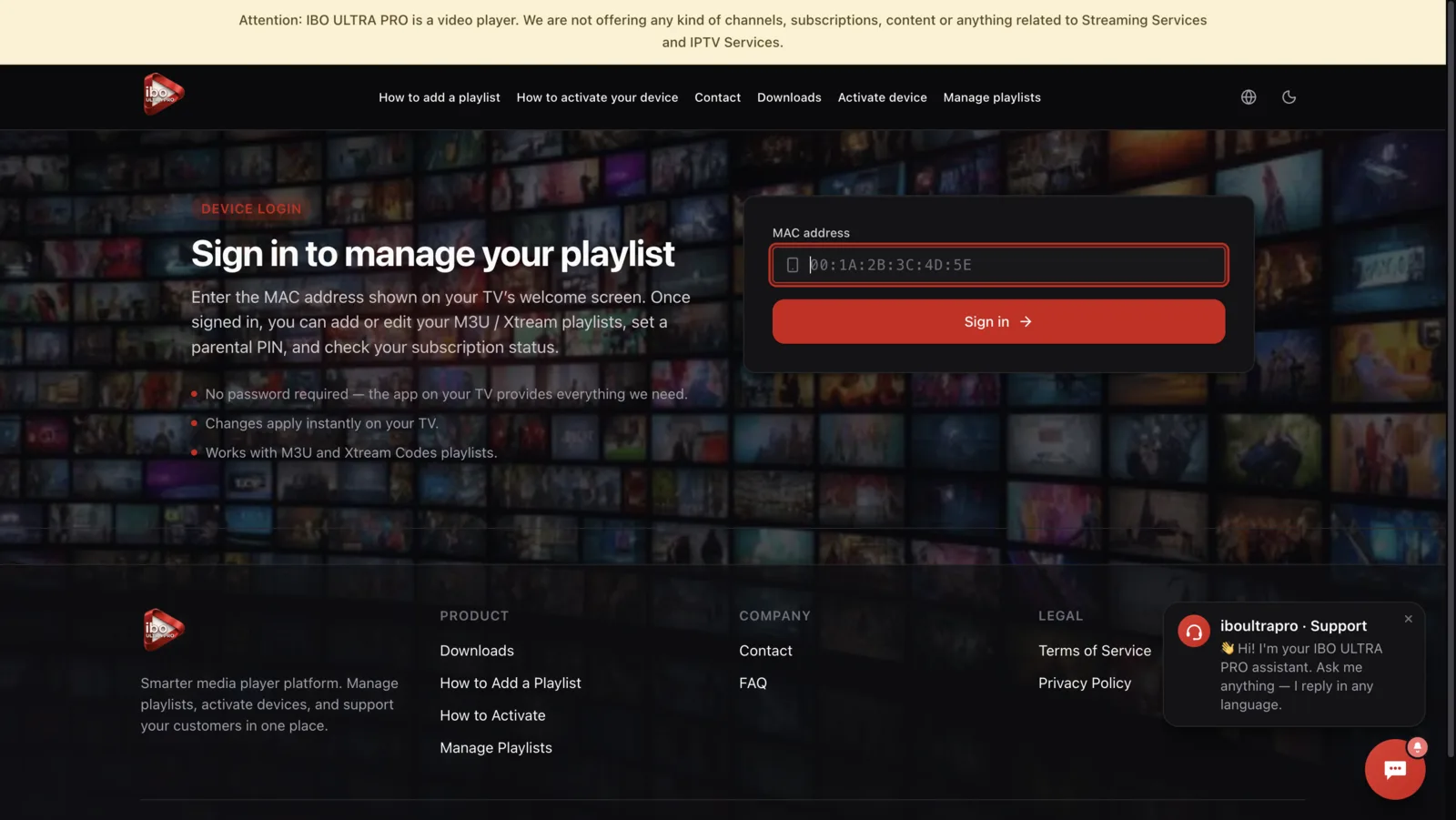
Sign in with your device info
Enter your MAC address — it's shown on your TV's welcome screen the first time you open the app.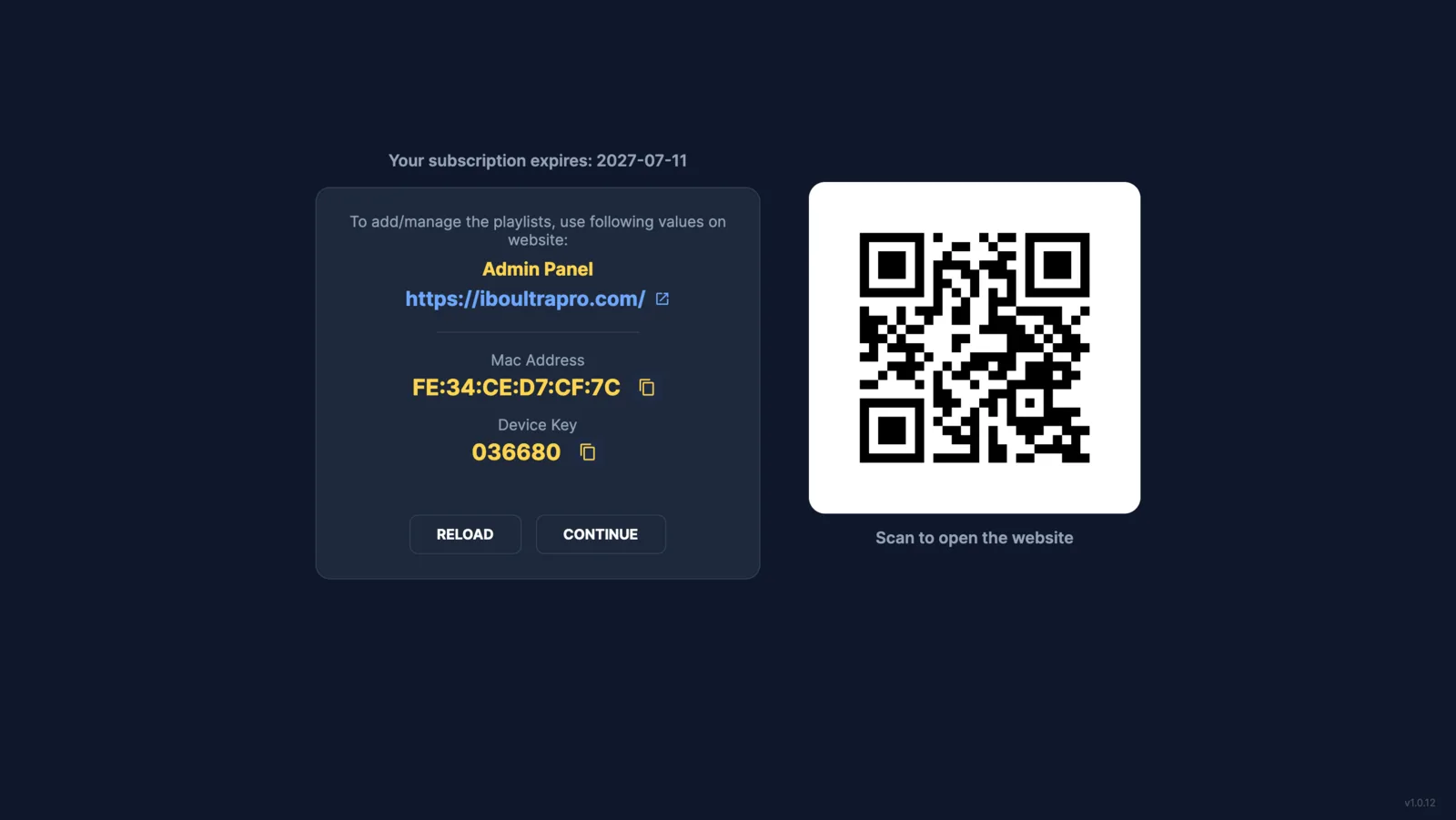
Add your playlist
Click Add M3U or Add Xtream. Paste the URL (or fill in server / username / password for Xtream) and save. Your channels will load on your TV right away.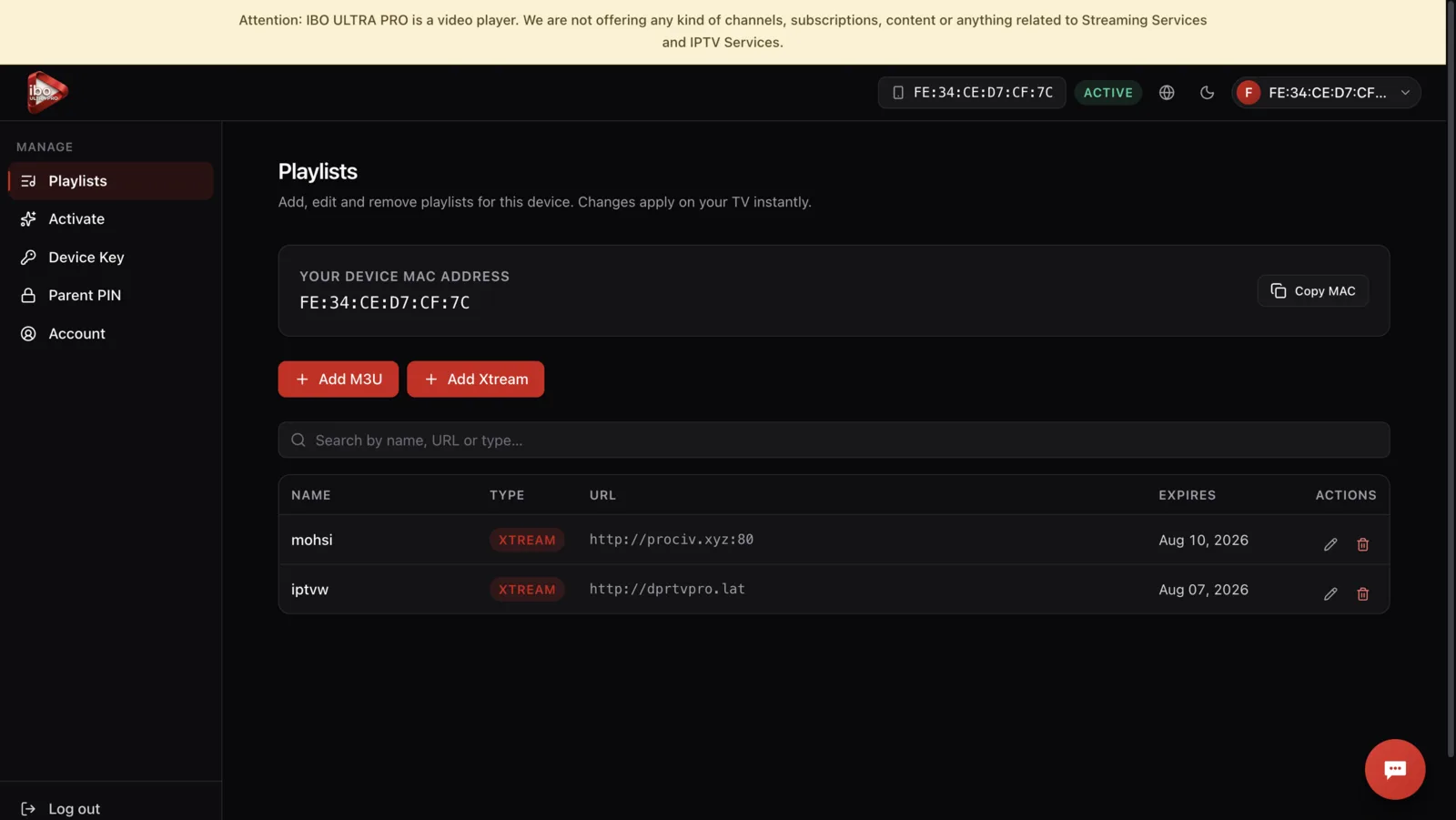
Both formats supported
M3U: a single URL that points to a playlist file.
Xtream Codes: a server URL with a username and password — IBO ULTRA PRO builds the playlist URL for you automatically.